Onboarding Checklist Monitor Failures for Current Employees
Last updated: July 10, 2026
Oneleet enforces the completion of the onboarding checklist for all employees. This monitor requires that any employee in a "Current" state must have no tasks on their onboarding checklist in a "pending" state.
Completing User Checklists
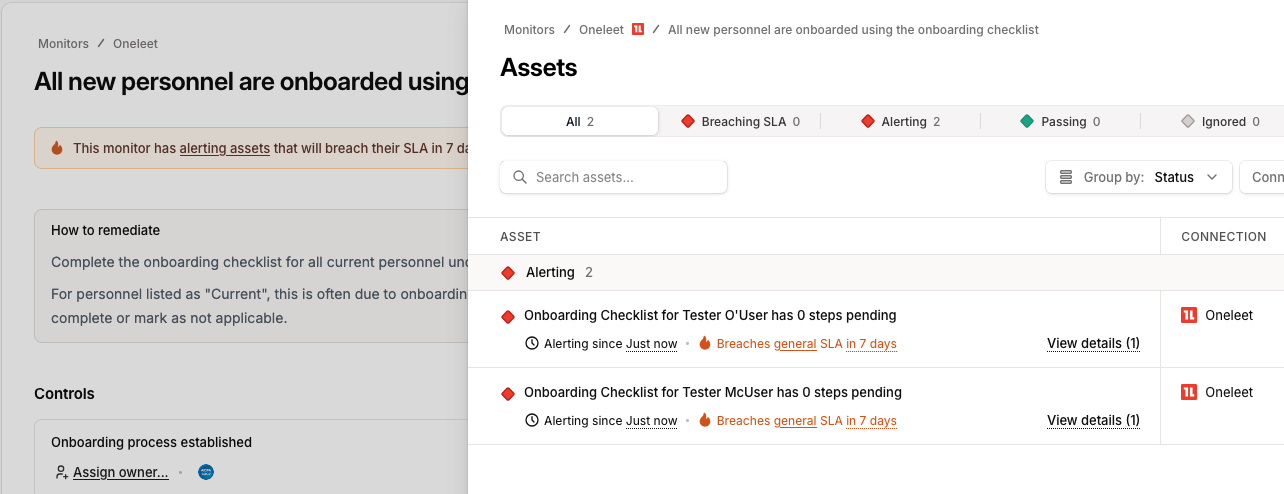
Note the employees who have incomplete checklists:
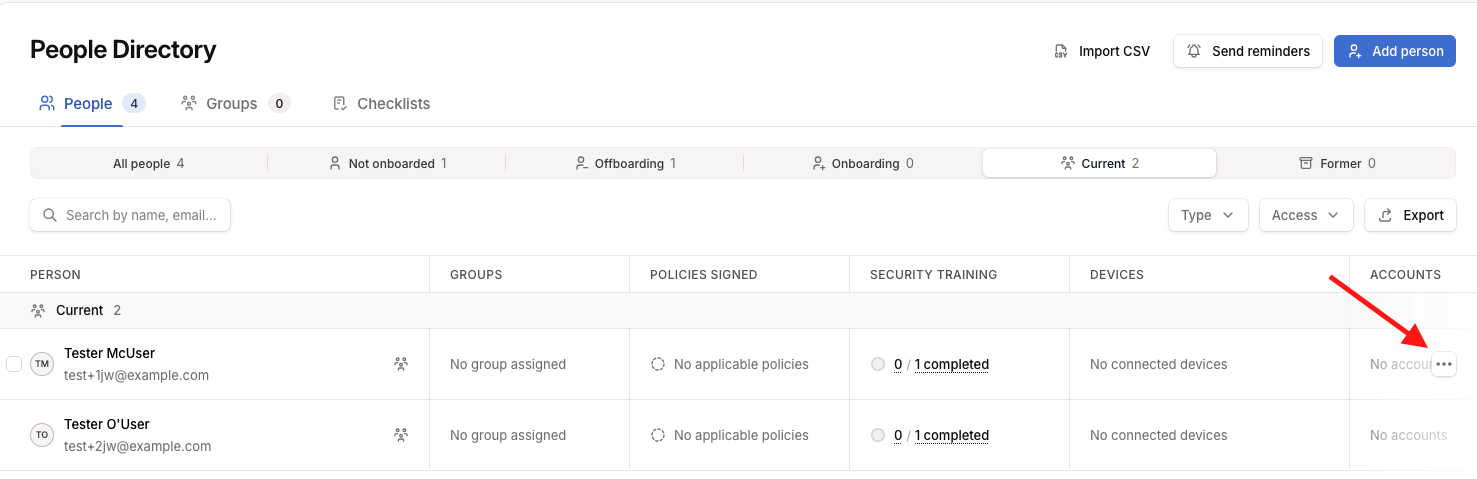
Go to "Organizations" -> "People", find the employees, and click on the "..." button
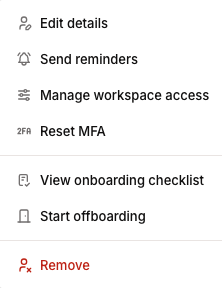
Choose "View onboarding checklist"
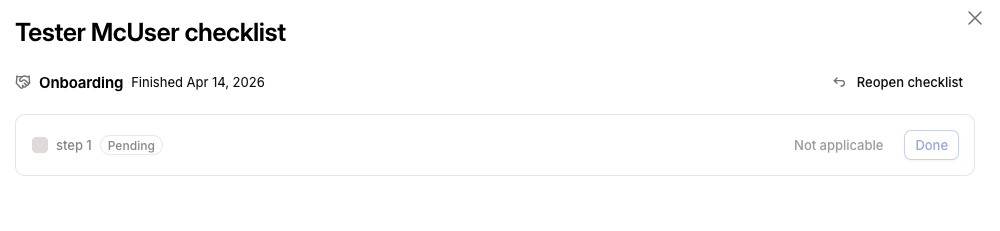
Note that the user has a step marked "Pending". Choose "Reopen checklist", ensure the steps are marked as "Completed" or "Not applicable", then select "Finish checklist".
Bulk Updating
Importing existing employees can accidentally leave incomplete steps in a large number of employees. When these people have completed the checklist elsewhere, a bulk operation can set all pending steps to "Not applicable"
On "Organization" -> "People", select the checkbox next to every "Current" user you want to modify, then select "Set onboarding status >"
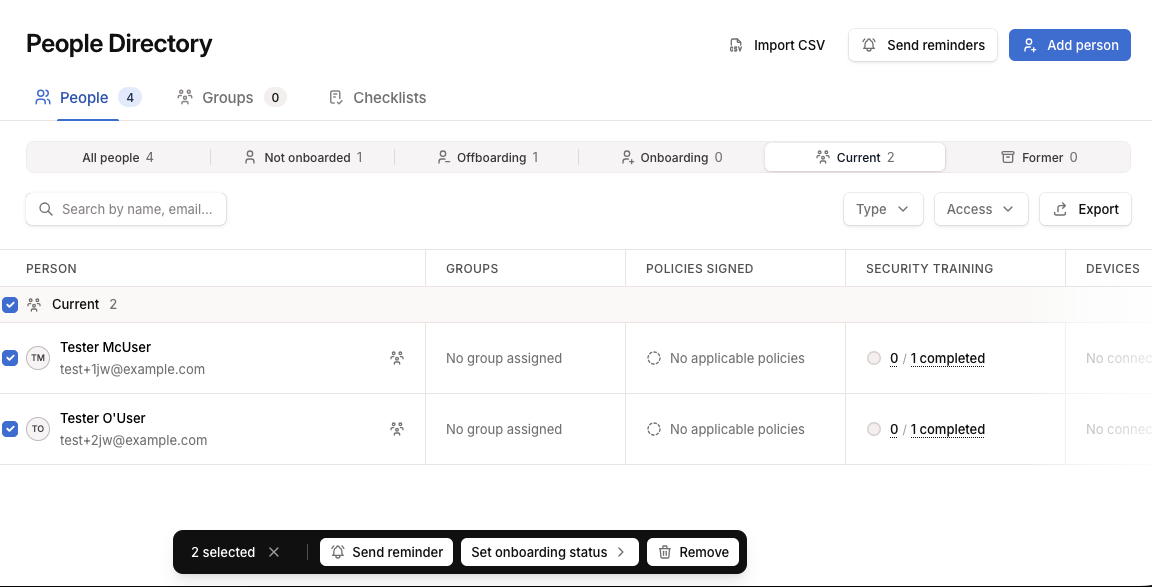
Set the status to "Current"

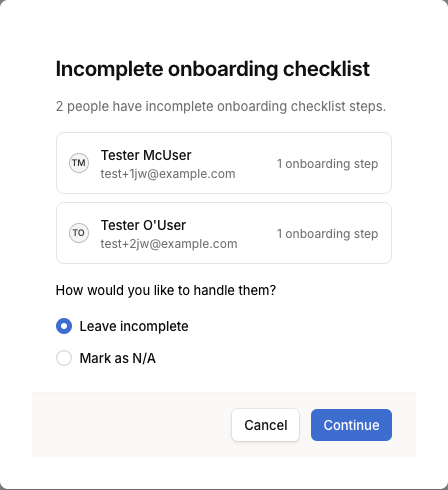
This will pop up a dialog prompting for a resolution on every user that has open checklist items. Pick "Mark as N/A"